

Subframe is designed for building interfaces—the visual layer that designers own. Code generation in Subframe is deterministic and purely presentational (no API calls, state management, etc). Developers can later add application logic themselves using IDEs like Cursor or VS Code after export. This guide explains Subframe’s design-to-code workflow in detail.Documentation Index
Fetch the complete documentation index at: https://subframe-59800133-apg-component-directories.mintlify.app/llms.txt
Use this file to discover all available pages before exploring further.
Components vs pages
As a developer, you should treat components and pages differently:- Components are your design system (e.g. buttons, inputs, cards). They are synced via CLI to a folder in your codebase (default:
./ui/components). Each component syncs as a directory — a source file that Subframe generates and you don’t modify, plus a wrapperindex.tsxthat you can extend (see Component directories). - Pages are screens built from components. They are exported as copyable React code or using the MCP server and are meant to be modified after export.
Design handoff
Suppose your designer creates a sign in page in Subframe: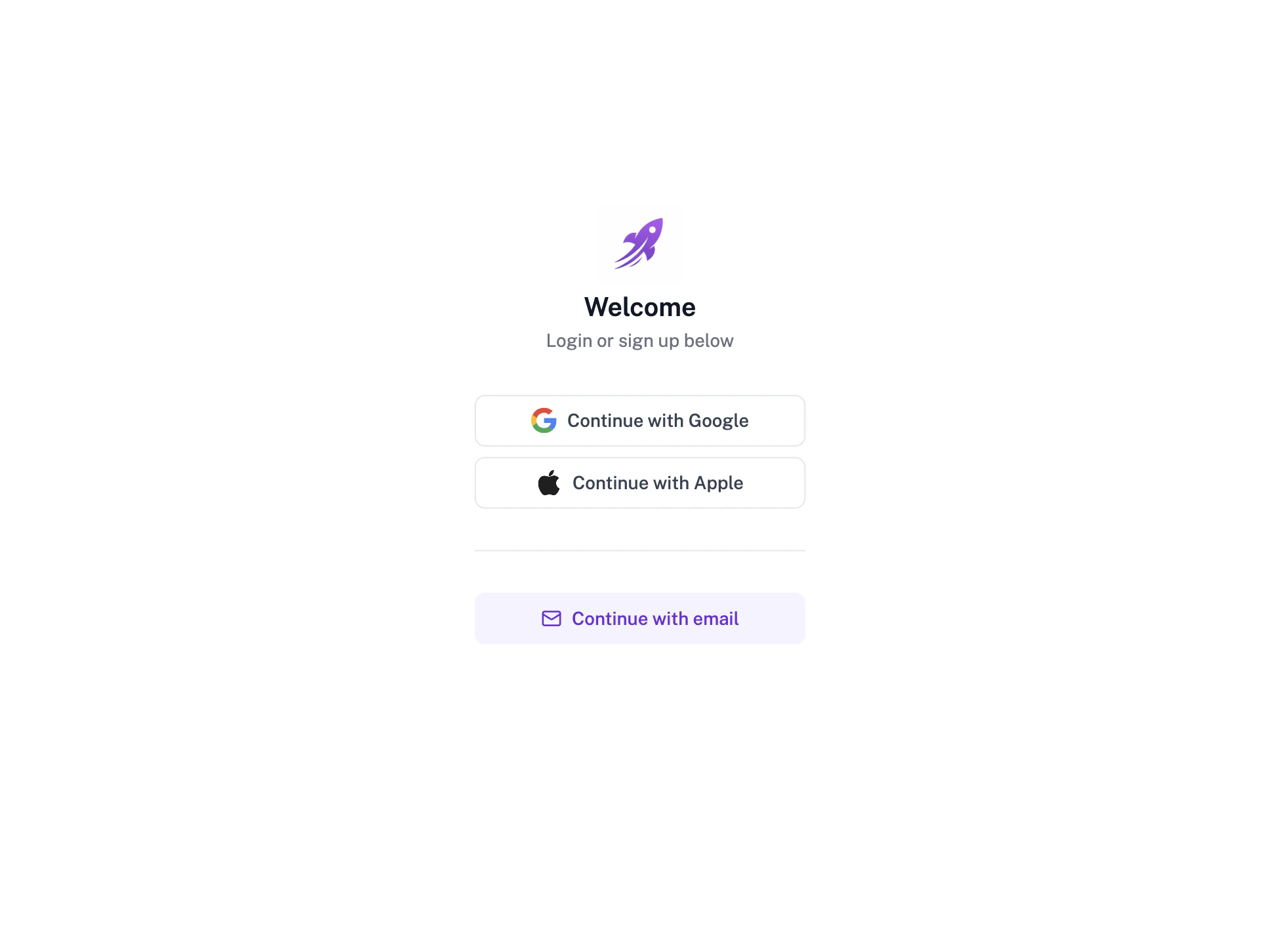
Button and SocialSignInButton components:
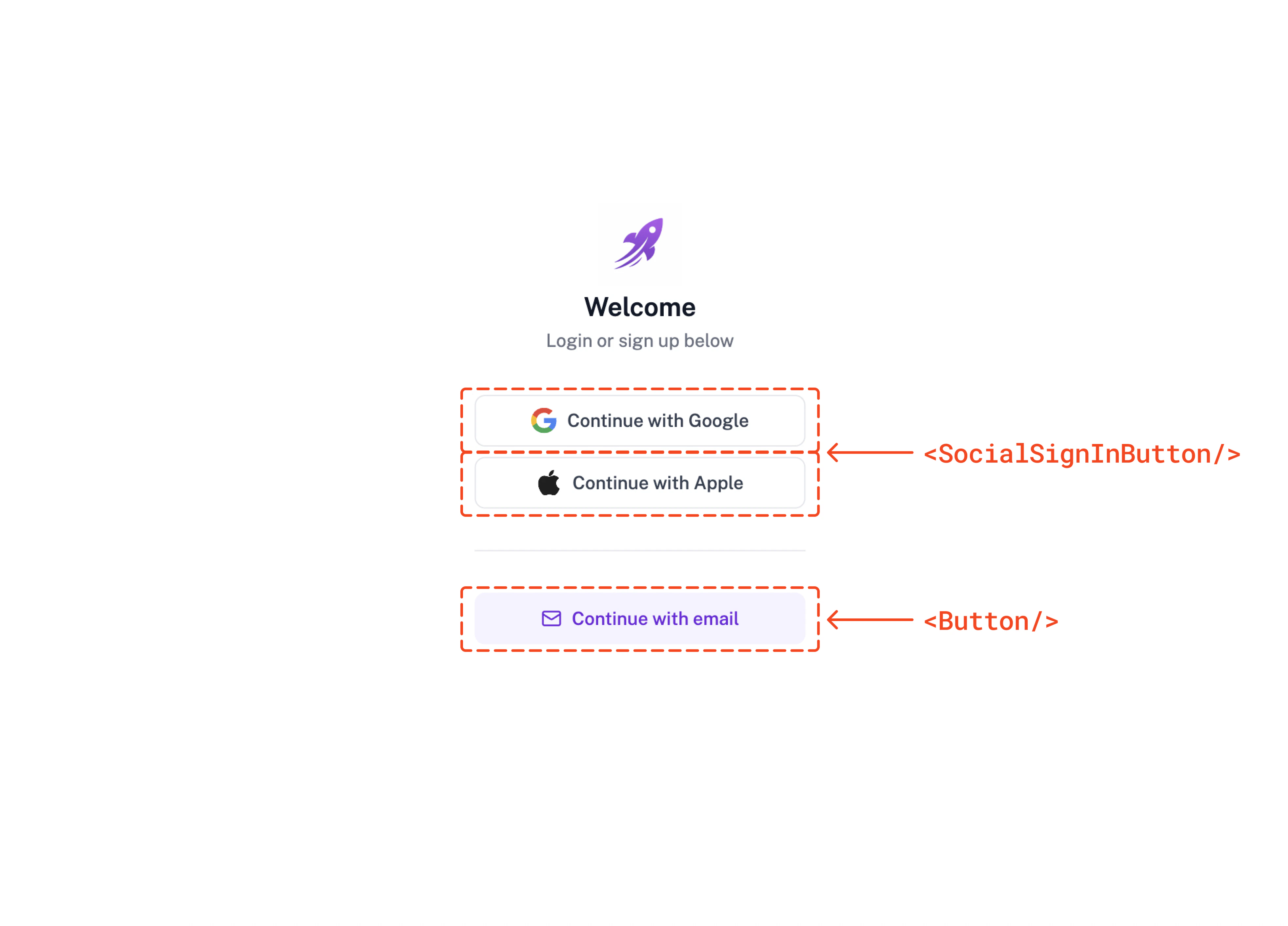
Syncing components
When the designs are ready for handoff, sync theButton and SocialSignInButton code to your codebase by running the following command:
Button, SocialSignInButton, and any other components into a specific folder in your codebase. By default this folder is located in the ./src/ui/components folder but can be configured in the project settings.
Button.tsx) plus a wrapper index.tsx that re-exports it and is the import entrypoint. See Component directories for why, and how to add your own logic in the wrapper.
View synced code
View synced code
Exporting pages
Subframe generates page code with stubs for business logic that need to be filled in:SignInPage.tsx
- MCP server (recommended) - install Subframe MCP server and ask your AI tool to integrate the page code directly using the page link.
- Copy/paste - Open Code > Inspect in Subframe and copy the React code.
SignInPage.tsx
Iterating on designs
After the initial export, both designs and code will evolve. Here’s how to handle changes:Designer makes changes
Subframe lets designers own the visual layer. When a change is made in Subframe, you can re-export the diff into your codebase. Component updates Run the sync command to get the latest component code:Developer makes changes
Often times, you will need to add or modify the component behavior after handoff. The best practice is to add your logic to the component’s wrapperindex.tsx. You probably don’t need to sync code back to Subframe, since the source file that Subframe generates stays untouched and keeps receiving design updates. As a last resort, you can disable sync for the source file itself.
In the near future, we will add CLI commands to sync component code back to Subframe. If you are interested in this feature, please let us know by joining our Slack community.
To import an existing page code back to Subframe, you can take a screenshot of the page and ask Subframe AI to recreate the design in Subframe.